
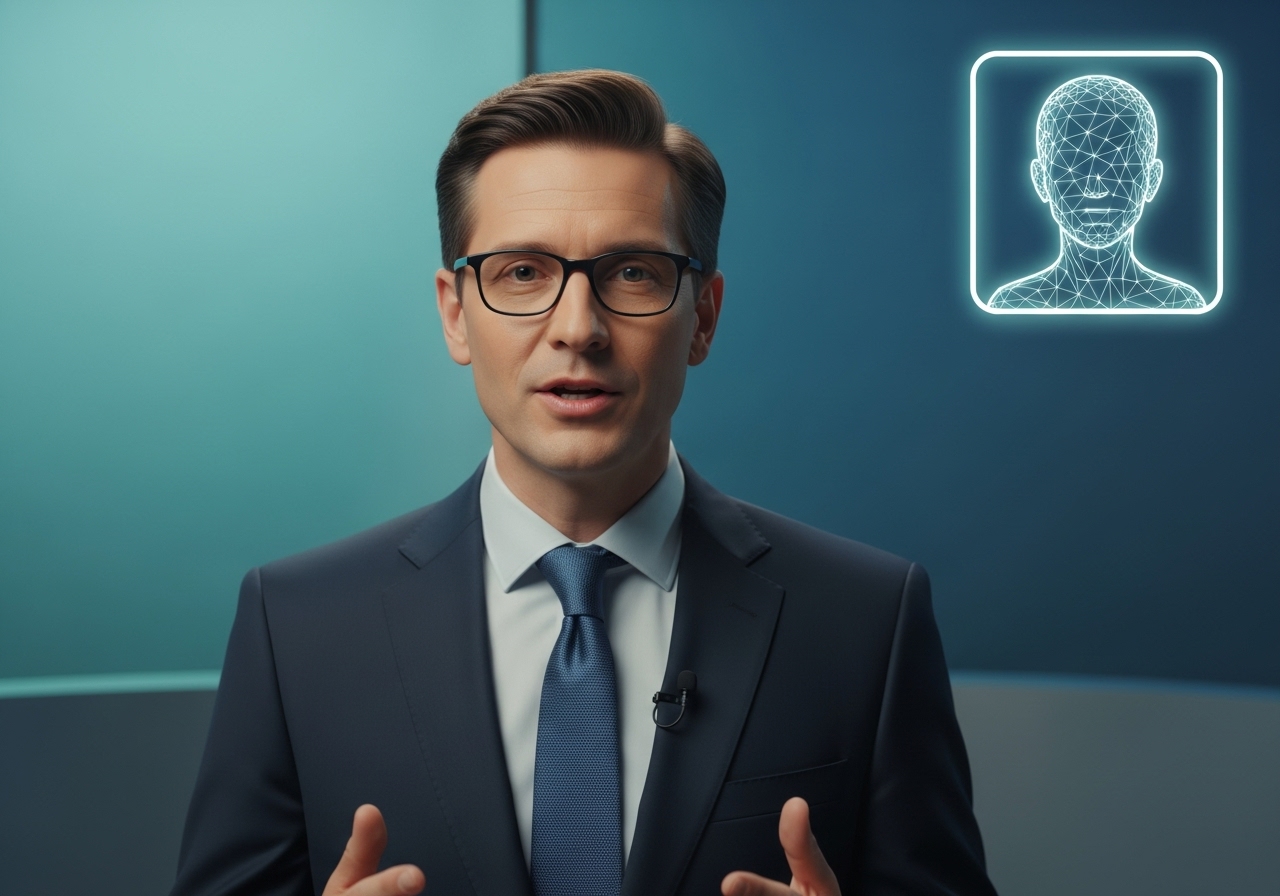
 **What you can do:** Transform any image into a talking character by uploading a photo and either typing text or uploading your own audio. The AI will make the character's lips move perfectly in sync with the speech.
* **Voice Options:** Choose from Vinci's voice library or upload your own audio
* **Voice Cloning:** Upload an audio sample to clone any voice onto your character
* **Use Cases:** Product presentations, educational content, spokesperson videos, multilingual content
### **Image Generation**
**What you can do:** Transform any image into a talking character by uploading a photo and either typing text or uploading your own audio. The AI will make the character's lips move perfectly in sync with the speech.
* **Voice Options:** Choose from Vinci's voice library or upload your own audio
* **Voice Cloning:** Upload an audio sample to clone any voice onto your character
* **Use Cases:** Product presentations, educational content, spokesperson videos, multilingual content
### **Image Generation**
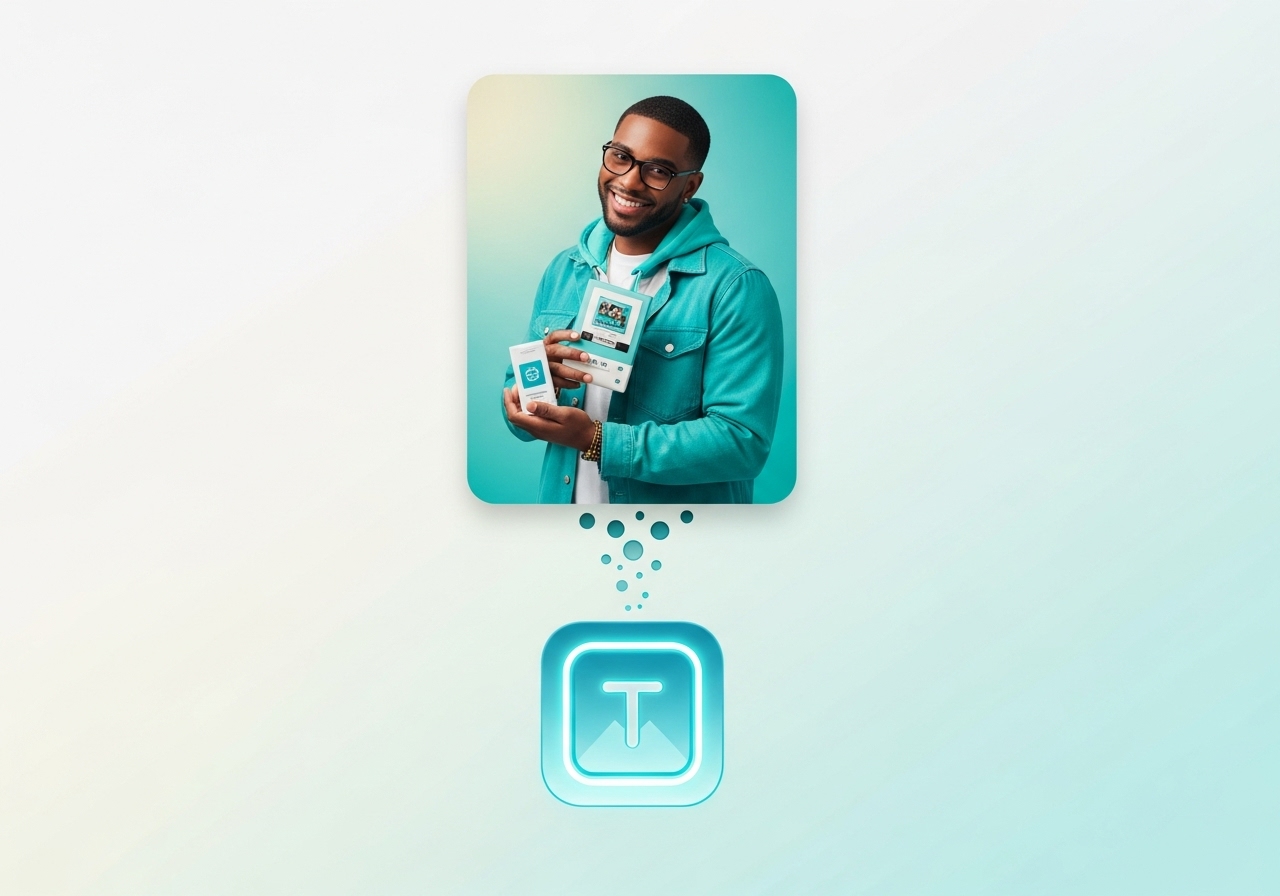 **What you can do:** Create stunning, professional images from simple text descriptions. No design skills required.
* **Customizable Parameters:** Control image dimensions (1080x1920 default), generation steps (1-50), and creative guidance
* **Output Formats:** JPEG or PNG
* **Use Cases:** Social media graphics, marketing materials, concept art, product mockups
### **Video Generation**
**What you can do:** Create stunning, professional images from simple text descriptions. No design skills required.
* **Customizable Parameters:** Control image dimensions (1080x1920 default), generation steps (1-50), and creative guidance
* **Output Formats:** JPEG or PNG
* **Use Cases:** Social media graphics, marketing materials, concept art, product mockups
### **Video Generation**
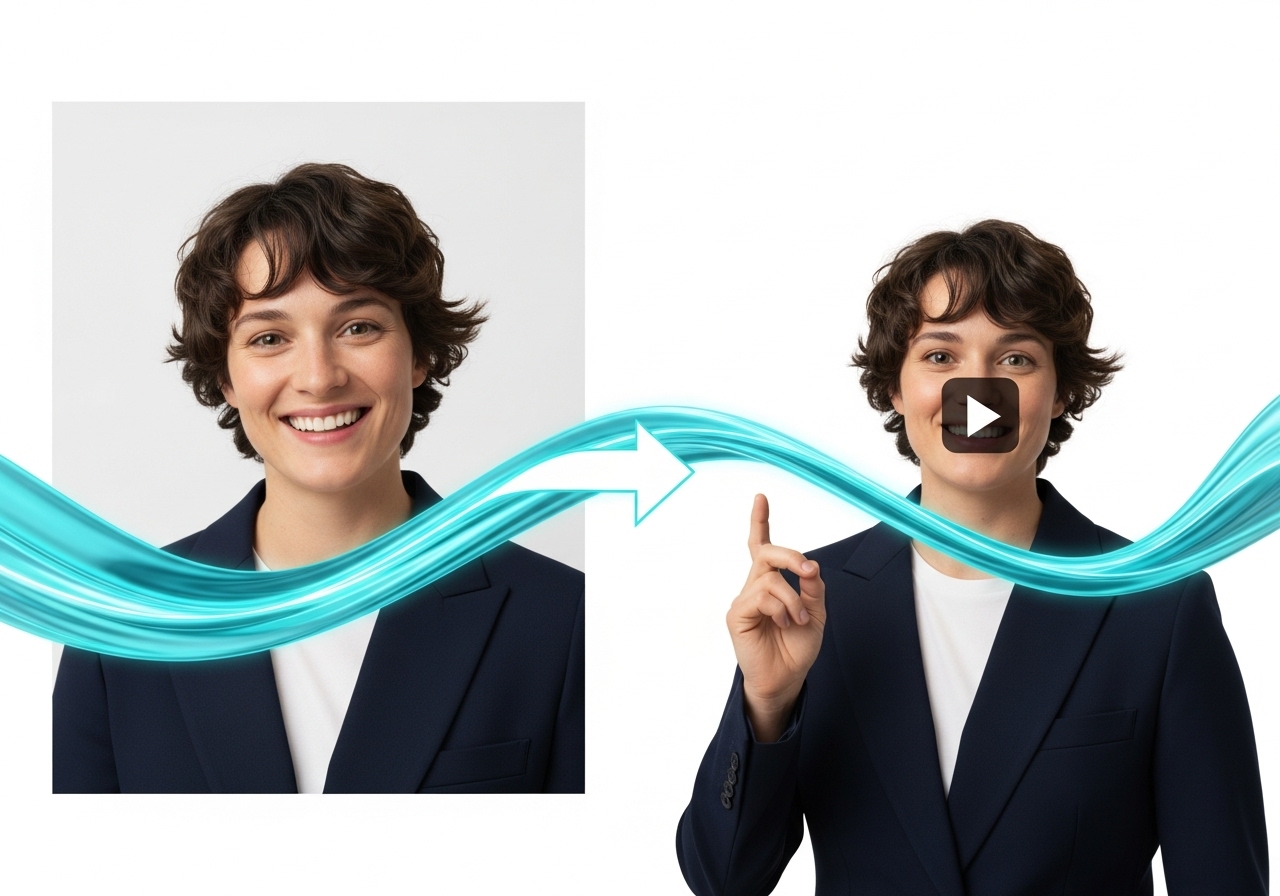 **What you can do:** Create videos from text descriptions or animate existing images.
* **Text-to-Video:** Describe your vision and watch it come to life
* **Image-to-Video:** Upload an image and describe how you want it to move
* **Aspect Ratios:** Choose from 16:9 (landscape), 9:16 (portrait), 1:1 (square), 4:3 (standard), 3:4 (portrait), 21:9 (cinematic)
* **Duration:** 5-10 seconds per generation
* **Use Cases:** Social media content, product demos, animated marketing materials
### **Video Translation**
**What you can do:** Create videos from text descriptions or animate existing images.
* **Text-to-Video:** Describe your vision and watch it come to life
* **Image-to-Video:** Upload an image and describe how you want it to move
* **Aspect Ratios:** Choose from 16:9 (landscape), 9:16 (portrait), 1:1 (square), 4:3 (standard), 3:4 (portrait), 21:9 (cinematic)
* **Duration:** 5-10 seconds per generation
* **Use Cases:** Social media content, product demos, animated marketing materials
### **Video Translation**
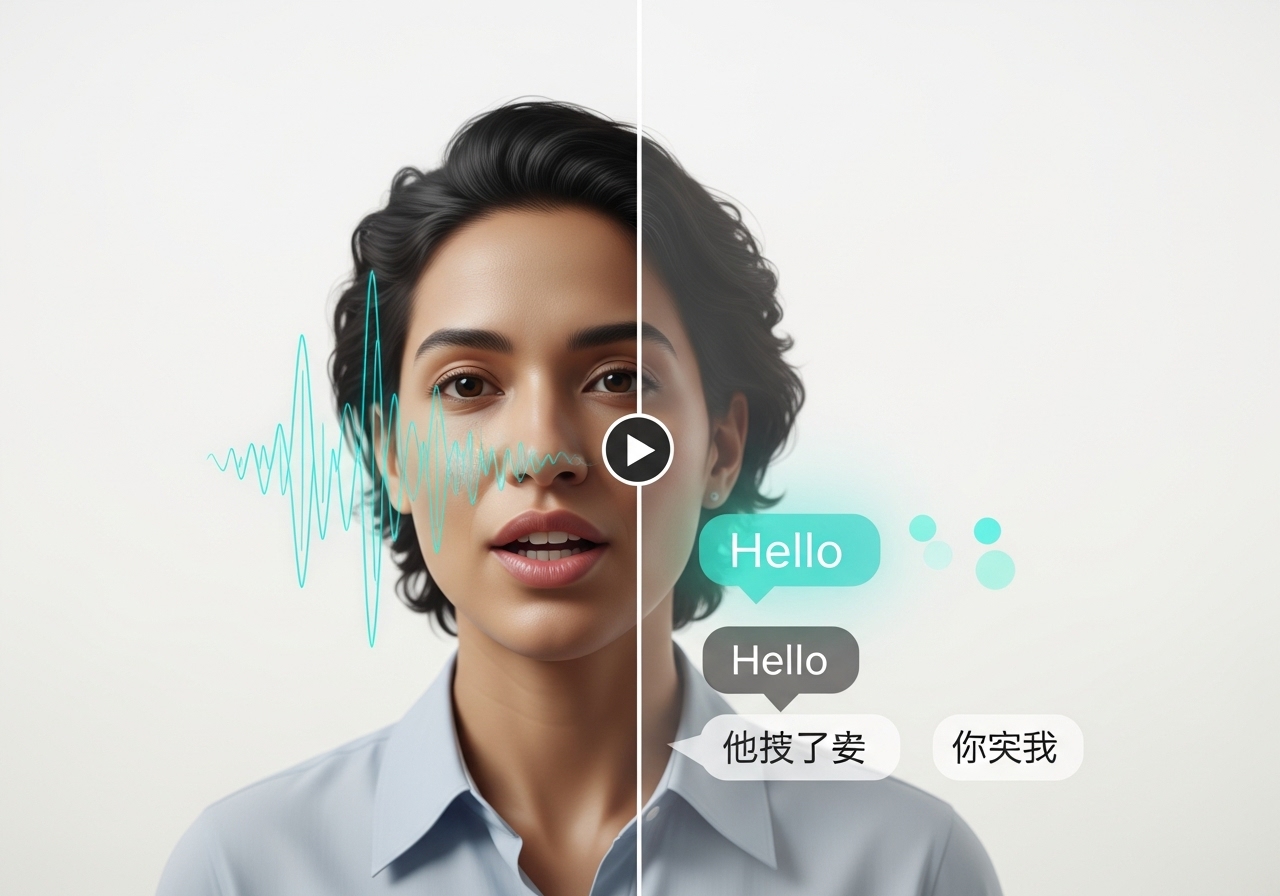 **What you can do:** Instantly translate any video to different languages while maintaining perfect lip sync.
* **Supported Languages:** English, Spanish, French (expandable)
* **Process:** Upload video → AI extracts speech → translates text → generates new speech → syncs lips
* **Use Cases:** Global marketing, multilingual education, international content distribution
### **Emote**
**What you can do:** Instantly translate any video to different languages while maintaining perfect lip sync.
* **Supported Languages:** English, Spanish, French (expandable)
* **Process:** Upload video → AI extracts speech → translates text → generates new speech → syncs lips
* **Use Cases:** Global marketing, multilingual education, international content distribution
### **Emote**
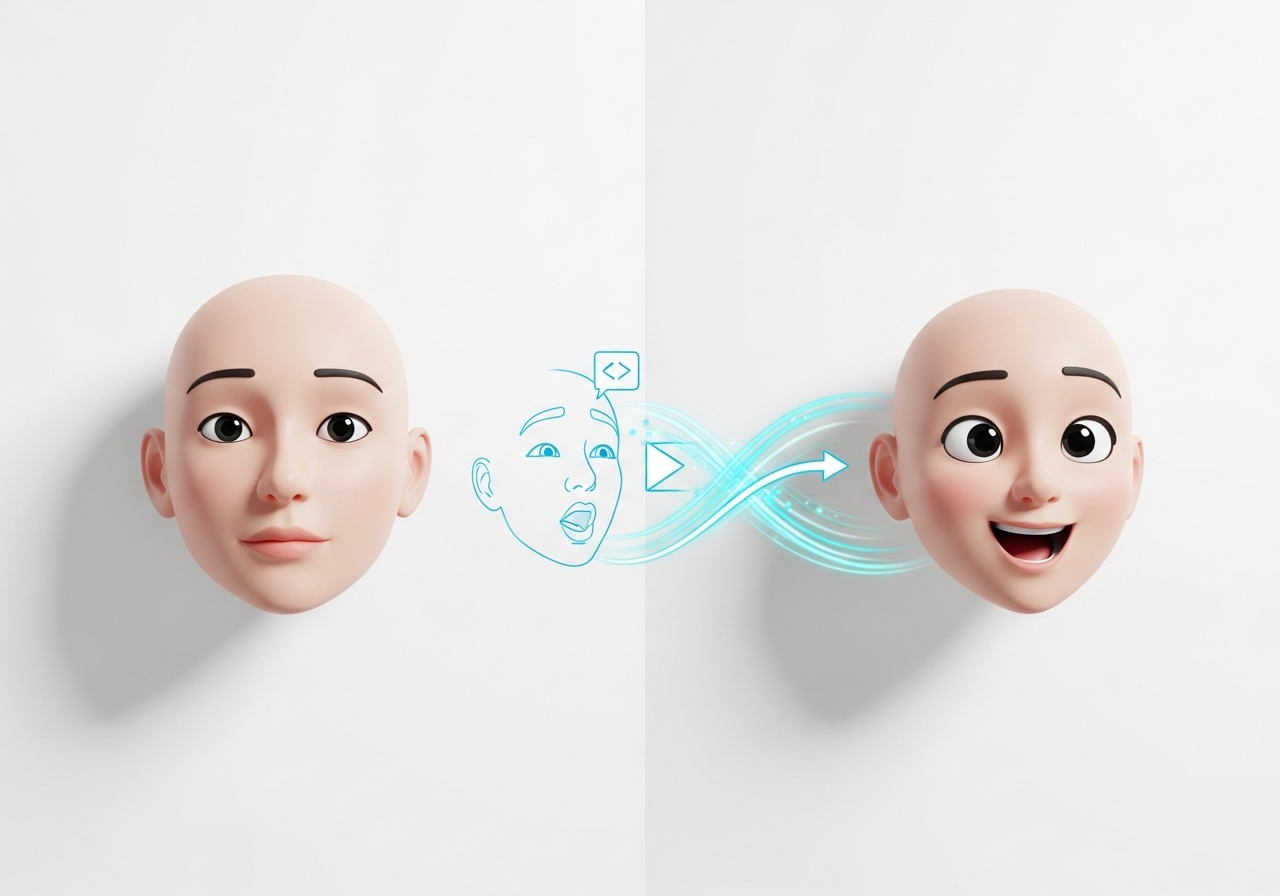 **What you can do:** Bring any character image to life using a driving video that controls their movements and expressions.
* **Character Library:** Select from pre-made characters or upload your own
* **Driving Videos:** Use template videos or upload custom movement patterns
* **Use Cases:** Animated storytelling, character-based marketing, educational content
### **QR Code Generation**
**What you can do:** Create custom, branded QR codes for marketing campaigns and digital connectivity.
## 4. Available User Options, Placeholders & Templates
### **Default Voice Options:**
* **Vinci Voices:** Professional voice library with multiple personas
* **User Voices:** Custom voice clones created from user audio samples
* **Voice Selection:** Categorized as "Vinci" (professional) or "User" (custom)
* **Default Fallback:** System uses "21m00Tcm4TlvDq8ikWAM" as default voice ID
### **Avatar & Character Library:**
* **Pre-made Characters:** Curated collection of AI actors and characters
* **User Characters:** Custom uploaded character images
* **Asset Types:** Separated into "image" (static characters) and "video" (AI actors)
* **Default Naming:** Auto-generated names like "Character 1", "Actor 1" if no custom name provided
### **Generation Parameters:**
**Image Generation Defaults:**
* **Resolution:** 1080x1920 (portrait optimized)
* **Steps:** 25 (quality vs. speed balance)
* **CFG Scale:** 7.5 (prompt adherence)
* **Seed:** Random (42 default, customizable)
* **Format:** JPEG (PNG optional)
**Video Generation Defaults:**
* **Aspect Ratio:** 16:9 (landscape)
* **Duration:** 5 seconds (5-10 second range)
* **Seed:** Random generation
* **Quality:** HD standard
**AI Actors Defaults:**
* **Frame Rate:** 30 fps
* **Batch Size:** 8 (processing efficiency)
* **CRF:** 19 (video quality)
* **Audio Processing:** Automatic format detection and conversion
### **Placeholder Text Examples:**
* **Image Generation:** "Describe the image you want to generate..."
* **Video Prompts:** "Describe the video you want to generate..." / "Describe the motion you want to see in the image..."
* **Character Dialogue:** "Type your dialogue here..." or "Click to type dialogue"
* **Search Fields:** "Search by use case, workflow, or creative need..."
### **Template Categories:**
* **Workflow Templates:** Pre-configured generation workflows for different use cases
* **Character Templates:** Ready-to-use character poses and expressions
* **Voice Templates:** Professional voice personalities for different content types
* **Aspect Ratio Templates:** Pre-set dimensions for various social media platforms
## Platform Benefits
* **No Technical Skills Required:** Intuitive interface designed for non-technical users
* **Credit-Based System:** Pay-per-use model with transparent pricing
* **Real-time Progress Tracking:** Visual progress bars and status updates during generation
* **Mobile & Desktop Optimized:** Responsive design works on all devices
* **Automatic Asset Management:** All creations saved and organized automatically
* **Professional Quality Output:** Broadcast-ready video and image quality
* **Scalable Creation:** Generate multiple variations quickly for A/B testing
**What you can do:** Bring any character image to life using a driving video that controls their movements and expressions.
* **Character Library:** Select from pre-made characters or upload your own
* **Driving Videos:** Use template videos or upload custom movement patterns
* **Use Cases:** Animated storytelling, character-based marketing, educational content
### **QR Code Generation**
**What you can do:** Create custom, branded QR codes for marketing campaigns and digital connectivity.
## 4. Available User Options, Placeholders & Templates
### **Default Voice Options:**
* **Vinci Voices:** Professional voice library with multiple personas
* **User Voices:** Custom voice clones created from user audio samples
* **Voice Selection:** Categorized as "Vinci" (professional) or "User" (custom)
* **Default Fallback:** System uses "21m00Tcm4TlvDq8ikWAM" as default voice ID
### **Avatar & Character Library:**
* **Pre-made Characters:** Curated collection of AI actors and characters
* **User Characters:** Custom uploaded character images
* **Asset Types:** Separated into "image" (static characters) and "video" (AI actors)
* **Default Naming:** Auto-generated names like "Character 1", "Actor 1" if no custom name provided
### **Generation Parameters:**
**Image Generation Defaults:**
* **Resolution:** 1080x1920 (portrait optimized)
* **Steps:** 25 (quality vs. speed balance)
* **CFG Scale:** 7.5 (prompt adherence)
* **Seed:** Random (42 default, customizable)
* **Format:** JPEG (PNG optional)
**Video Generation Defaults:**
* **Aspect Ratio:** 16:9 (landscape)
* **Duration:** 5 seconds (5-10 second range)
* **Seed:** Random generation
* **Quality:** HD standard
**AI Actors Defaults:**
* **Frame Rate:** 30 fps
* **Batch Size:** 8 (processing efficiency)
* **CRF:** 19 (video quality)
* **Audio Processing:** Automatic format detection and conversion
### **Placeholder Text Examples:**
* **Image Generation:** "Describe the image you want to generate..."
* **Video Prompts:** "Describe the video you want to generate..." / "Describe the motion you want to see in the image..."
* **Character Dialogue:** "Type your dialogue here..." or "Click to type dialogue"
* **Search Fields:** "Search by use case, workflow, or creative need..."
### **Template Categories:**
* **Workflow Templates:** Pre-configured generation workflows for different use cases
* **Character Templates:** Ready-to-use character poses and expressions
* **Voice Templates:** Professional voice personalities for different content types
* **Aspect Ratio Templates:** Pre-set dimensions for various social media platforms
## Platform Benefits
* **No Technical Skills Required:** Intuitive interface designed for non-technical users
* **Credit-Based System:** Pay-per-use model with transparent pricing
* **Real-time Progress Tracking:** Visual progress bars and status updates during generation
* **Mobile & Desktop Optimized:** Responsive design works on all devices
* **Automatic Asset Management:** All creations saved and organized automatically
* **Professional Quality Output:** Broadcast-ready video and image quality
* **Scalable Creation:** Generate multiple variations quickly for A/B testing